
Around the time Claude Fable originally hit the scene, I came up with the idea to build a terminal user interface (TUI) for managing the servers and sites I host on SpinupWP. So, one Wednesday night I came up with my original prompt, and set Claude Code to work:
I want to build a terminal application to manage my SpinupWP servers and
sites. Use the following:

- https://opentui.com/ for the UI
- https://spinupwp.com/doc/rest-api/ - build the app on top of
the public SpinupWP API

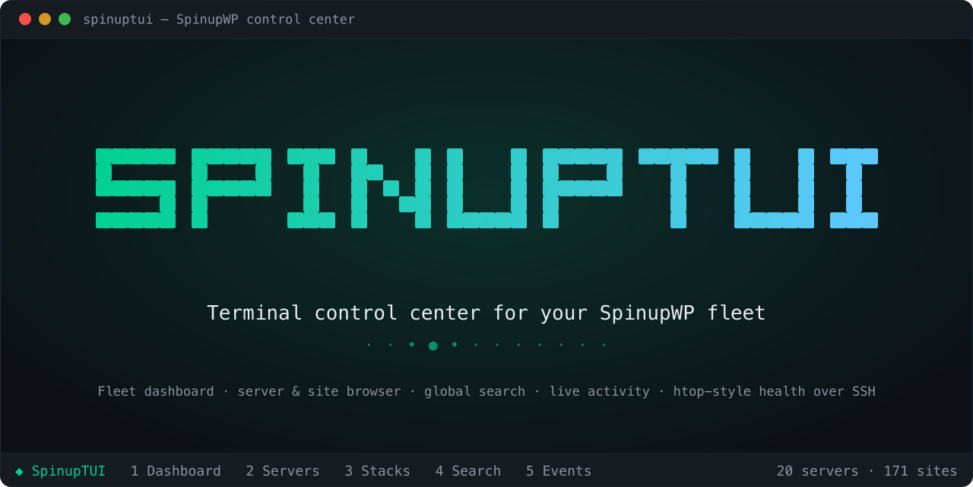
Incorporate a loading screen for the app, and make it cool.
Then I went for a walk and forty-five minutes later Claude had built v0.1.0 of my app that I would eventually name SpinupTUI.
In the month since, we’ve pushed out 20 releases with more to come. Given my fleet of 20 servers and 150+ sites, I have been able to test the app in all manner of scenarios. Just today I pushed out v0.19.0, v0.19.1, and v0.20.0 while encountering feature gaps and bugs as I worked with my production sites and servers.
Features
Here are some of the feature highlights:
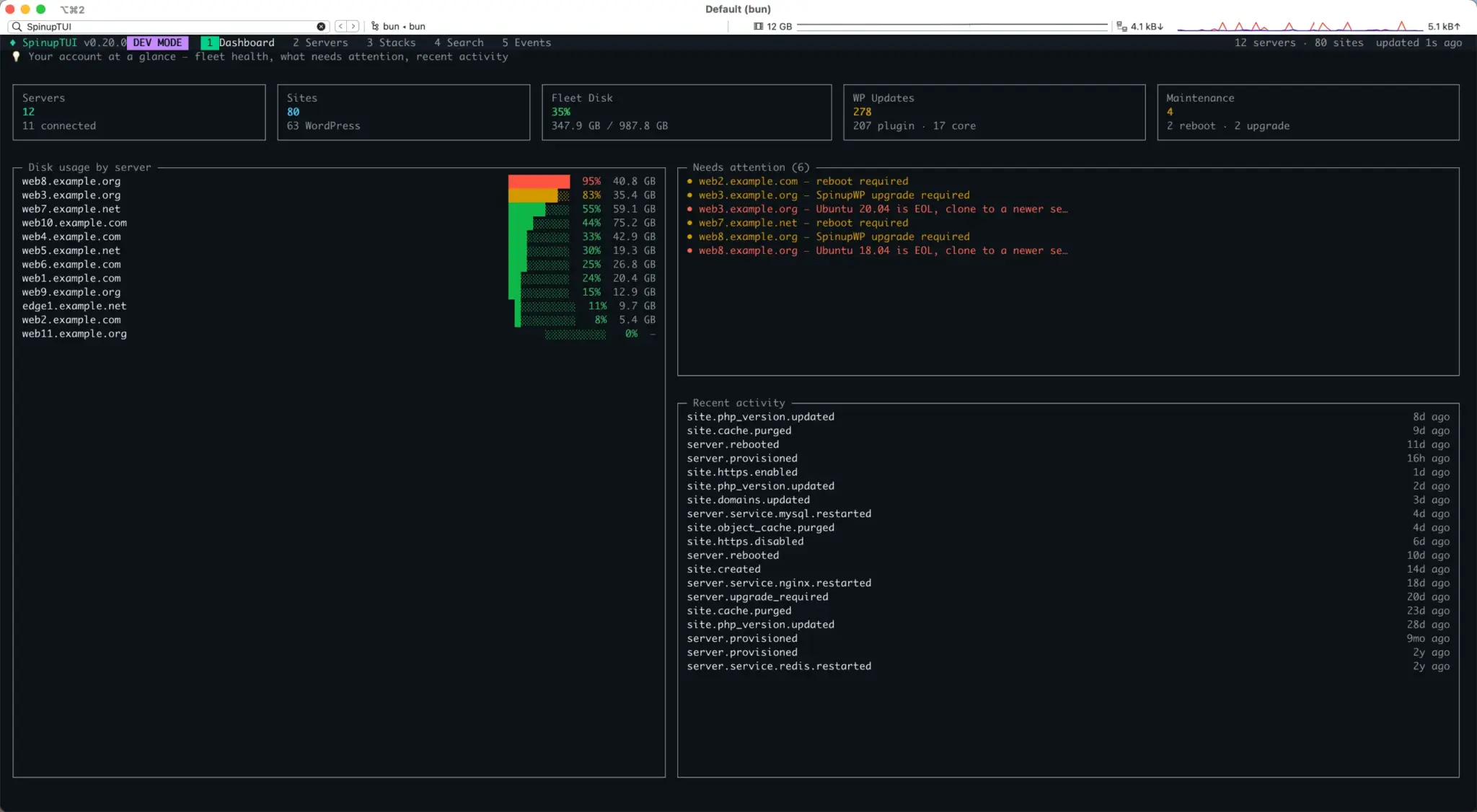
- Fleet dashboard – at-a-glance health of every server: connection status, disk usage bars, pending reboots/SpinupWP platform upgrades, and more
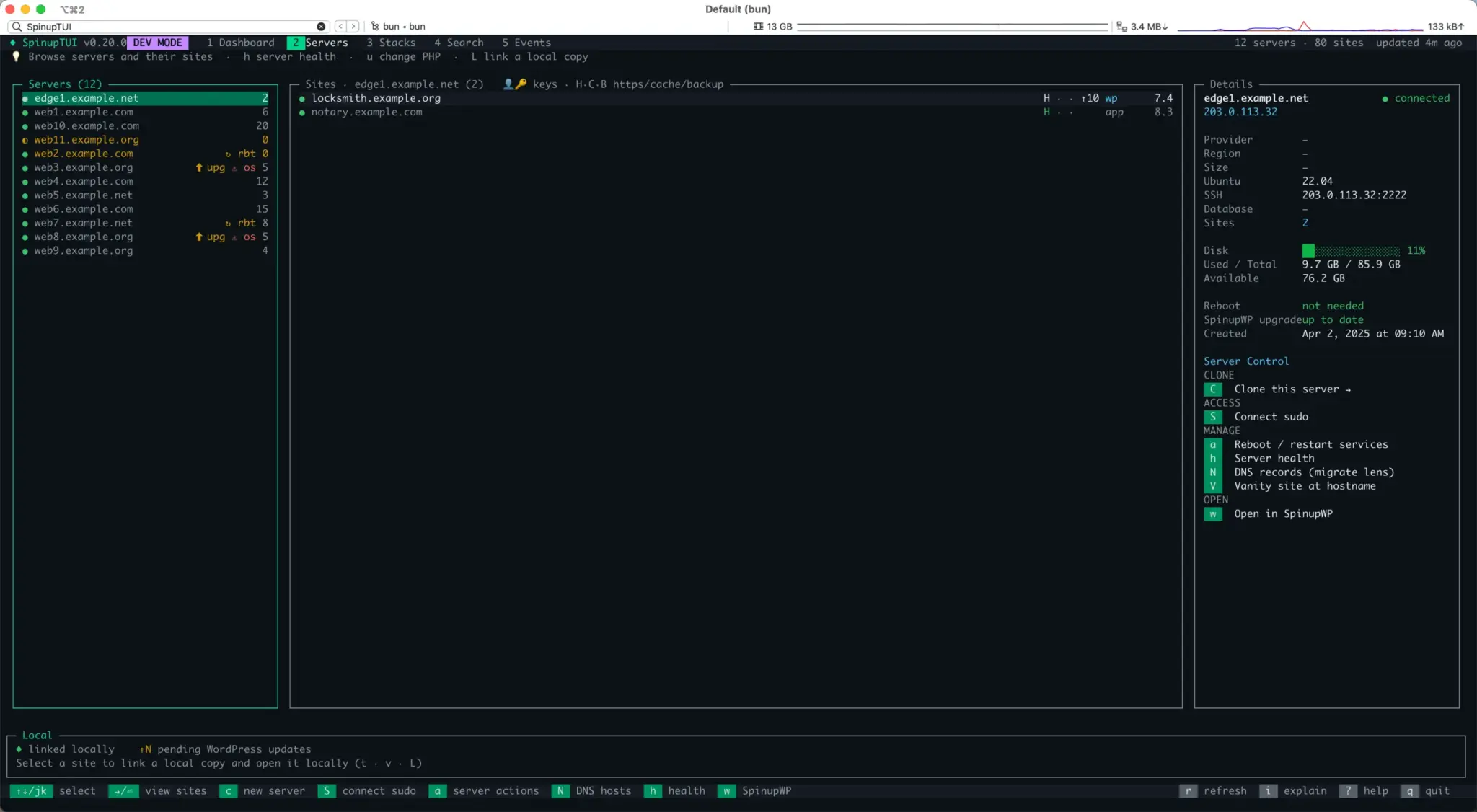
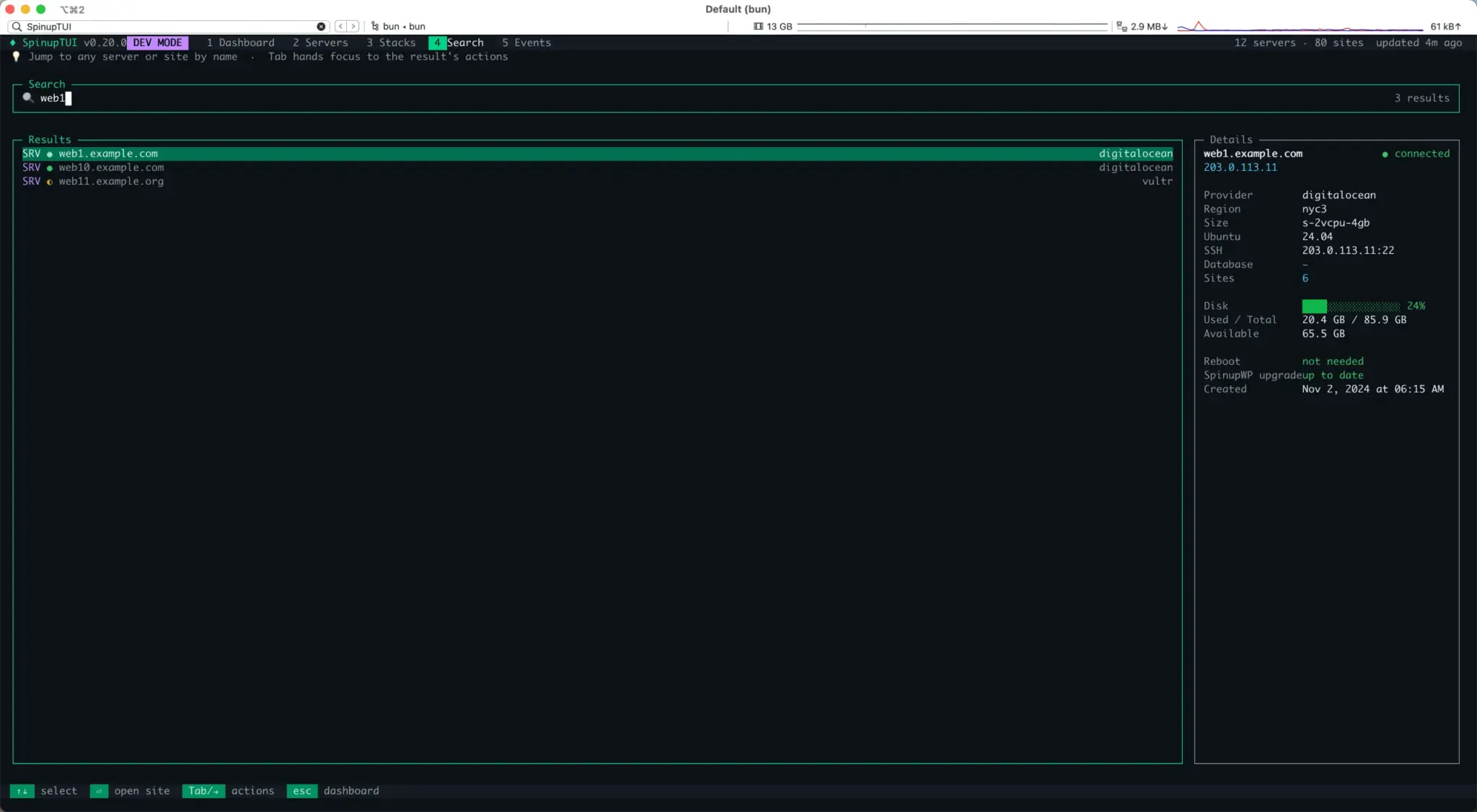
- Server & Site Browser – pick a server, see its sites, and drill into full details
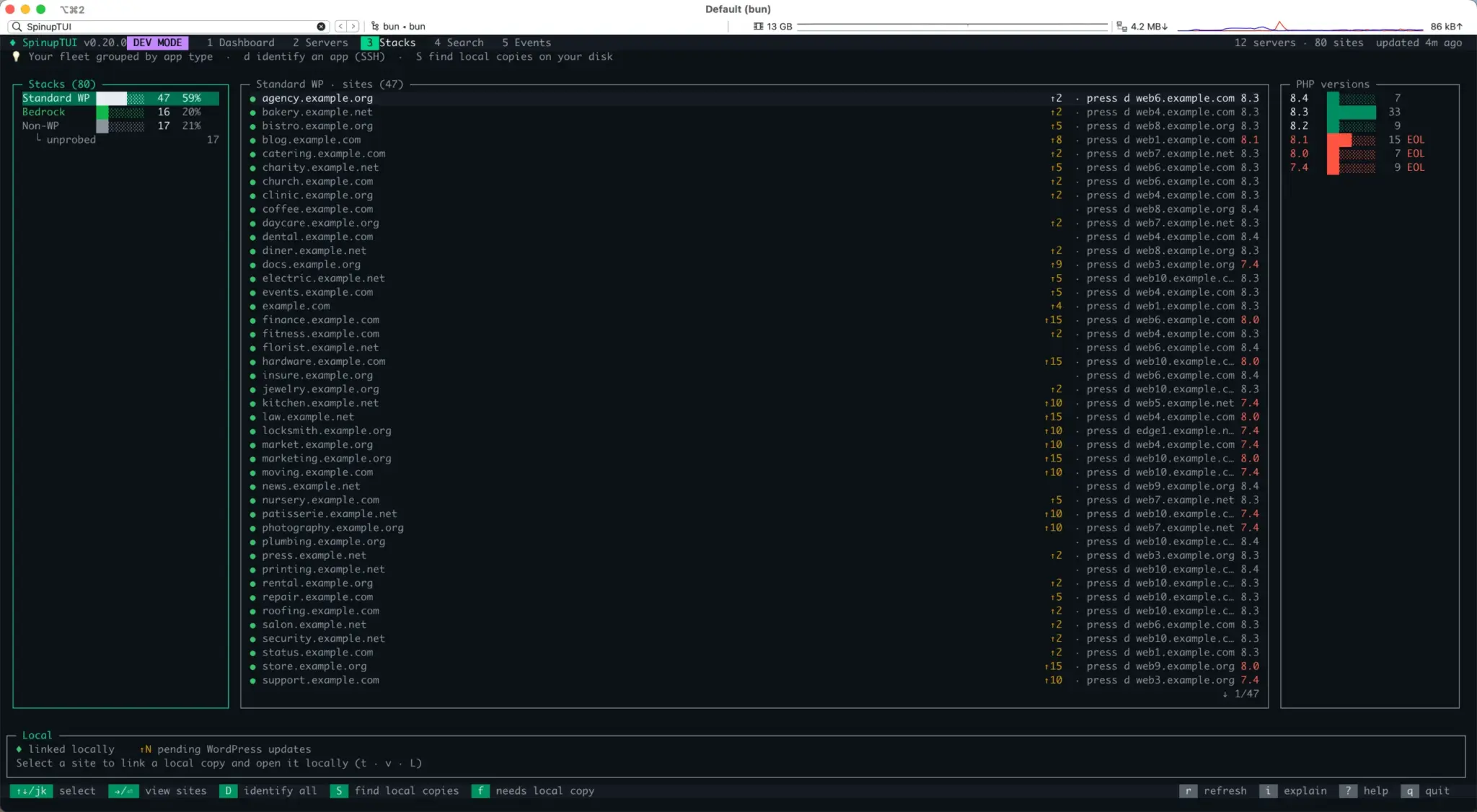
- Stack detection & fleet composition – answers the question, “How many of my sites are Standard WordPress, Bedrock Framework, or Non-WP?” This will enable future capability to target your Bedrock sites, and manage them as a group.
- Link your local working copies – press
Lon a site to link its local checkout - Server Clone Wizard – select a server, hit
Cand you get a wizard that walks you through all the steps for moving multiple sites from one server to another. Got an old server running Ubuntu 20.04? This is your golden ticket for a well-managed move. - DNS Migration Lens – select a server, press
Nand see the DNS records that point to that server. During migrations, SpinupTUI can handle DNS record updates for supported registrars (currently AWS Route 53 and Cloudflare) and deep link you to the appropriate place for registrars without public APIs (e.g. GoDaddy). - Uptime Kuma Monitoring – press
mon a site to wire it into your own Uptime Kuma instance.
I’ve been speaking with a handful of other users spread out across the globe. So far, the reception has been positive. If you host with SpinupWP, you’re comfortable working in a terminal environment, and you like to keep your hands on the keyboard, I encourage you to give SpinupTUI a try. I’ve got the package published on NPM, and the install is a simple:
$ bun install -g spinuptuiAccess the code: SpinupTUI on Github / SpinupTUI on NPM
Screenshots
Leave a Reply